
 EN
EN
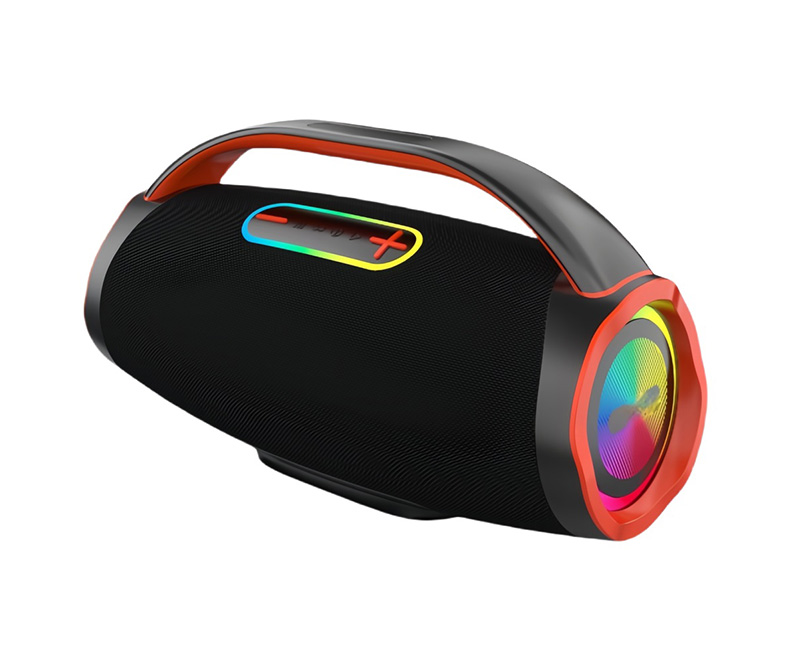
Strategic Altavoz Placement for Immersive Home Theater Sound
Front Stage Altavoz Alignment: Optimizing Left, Center, and Right Positioning
Set up those front speakers in a triangular shape around where most people sit. The central speaker should go right above or beneath the TV screen at about eye level. This helps keep voices coming from the same spot as what we see on screen, making things feel more connected. Put the other two speakers on either side, pointing them slightly towards the middle seating area. Make sure they're all at the same height and positioned equally far away from whoever will be sitting there. When everything lines up properly, sounds come together better in front of us, vocals stay clear and focused, and action scenes move smoothly between speakers during movies.
Surround and Rear Altavoz Positioning by Channel Configuration (5.1, 7.1, 9.1)
When setting up a 5.1 system, place those surround speakers just behind where people will be sitting, about 110 degrees off the center speaker angle works well for most spaces. Raise them around one to two feet higher than ear level so they create that immersive sound experience everyone talks about. With 7.1 systems, don't forget those rear surrounds right behind the listening spot. Position these further out than the front ones to expand the soundscape while keeping the front audio focused and clear. For advanced 9.1 setups, ceiling mounted height channels near corner locations at roughly 30 to maybe even 45 degrees from listener's ears can really enhance the three dimensional effect. Getting all satellite speakers equidistant from where folks sit matters quite a bit too. This helps avoid any annoying time delays between sounds reaching different ears and keeps everything sounding cohesive in space.
Elevation, Toe-in, and Acoustic Imaging: Refining Altavoz Angles and Height
To get the best sound, point those tweeters right at where people will be sitting. This makes the stereo image clearer, helps locate sounds that come from outside the screen area, and makes voices easier to understand. When setting up height or overhead speakers, keep them angled between 30 to 45 degrees above ear level so they work properly with formats like Dolby Atmos and DTS:X that place sounds in specific locations. Don't put any speaker right against walls or in corners though because this creates too much bass and messes with how balanced the sound feels. Leave about a foot or two away from walls instead. Check if everything is set correctly by playing calibration tones and using measurement tools while listening. Getting the height just right matters because otherwise certain frequencies disappear when sound waves bounce off floors and ceilings incorrectly.
Altavoz System Configuration and Channel Mapping Best Practices
Matching Altavoz Count and Type to Standard Configurations (5.1, 7.1, 11.1)
When picking out speaker setups, think about the actual space where they'll go, how the room sounds naturally, and what kind of entertainment experience is wanted rather than just counting channels. Most people find that a good quality 5.1 setup works wonders for regular living areas and home theater rooms. The basic idea is five smaller speakers around the room plus a big subwoofer handling all those deep bass notes. If the room runs longer than about fifteen feet from front to back, or if movies really need that surround sound effect coming from behind, then moving up to a 7.1 arrangement makes sense. For serious movie buffs with proper screening rooms, going all the way to 11.1 means adding extra speakers at the front corners and ones above head level too. This creates that immersive Dolby Atmos feeling where sounds seem to come from everywhere at once. But before jumping into such an upgrade, check whether the ceilings are high enough and built right so these overhead speakers actually work properly instead of just sitting there looking fancy.
- Match timbre, driver materials, and sensitivity across all front and surround speakers
- Use bookshelf or in-wall models for rear/surround positions to minimize visual intrusion
- Prioritize consistent power handling and dispersion patterns over raw output specs
Center Channel Altavoz Integration: Ensuring Dialogue Clarity and Frontal Cohesion
The center speaker acts like the main voice box for most home theater systems, handling around two thirds of all spoken words we hear on screen. Position it so the listening height matches where ears would naturally be when sitting down, whether placed above or beneath the TV screen itself. Make sure the small tweeter part faces forward within about 15 degrees either side of where people typically sit facing the display area. Sound tests show proper positioning can actually make voices sound clearer by roughly 40 percent versus when speakers are angled wrong. Boost volume settings about three decibels louder than the left and right speakers since sound tends to weaken as it spreads out sideways. Keep similar angles for both front speakers too so everything sounds balanced across the room. Avoid putting the center speaker inside furniture or on low shelves because walls and other objects bounce sound waves back causing strange echoes that muddy speech details like 's' sounds and consonants.
Altavoz Subwoofer Integration: Placement, Tuning, and Room Optimization
Mitigating Room Modes: Effective Altavoz Subwoofer Placement Strategies
Those annoying standing waves we call room modes happen when low frequency sound bounces back and forth between parallel walls, and they're really the main reason why bass sounds so inconsistent in most spaces. Putting speakers in corners gives about 6 dB extra volume thanks to how sound reflects off walls, but this often makes certain frequencies way too loud. Moving things toward the middle of walls actually helps cut down on those big booming sounds from the main room modes, resulting in cleaner, more balanced bass overall. Larger or more complicated rooms benefit greatly from having multiple subs placed strategically at opposite quarter points around the room. Research has shown that this approach can make bass much more consistent throughout the space, sometimes cutting the difference between super loud spots and dead zones by half. Want to find the best spot? Try the old school subwoofer crawl technique. Put the speaker where you normally sit and play a continuous tone between 40 and 60 Hz. Then slowly move along the walls until you hear the most even bass response. That's probably going to be the sweet spot for optimal performance.
Crossover Settings and Phase Alignment Between Altavoz Subwoofer and Main Speakers
Crossover frequencies should generally fall somewhere between 80 to 120 Hz, depending on what the specs say about how low your main speakers can go before they start losing power at around -3 dB. Take those front speakers for example—if they stop producing clean sound around 85 Hz, then setting the crossover point at about 90 Hz makes sense, giving just enough room (around 5 Hz) so everything lines up properly in terms of timing. The lower end of this range works best with big tower speakers that handle mid-bass well, whereas smaller satellite speakers typically need something closer to 100 Hz or above. Getting the phase right matters a lot too. Just turn the phase knob on the back of the subwoofer while blasting some test tones near where we set that crossover earlier. Keep adjusting until the bass sounds strongest—that's when things are working together instead of fighting each other. Sure, systems like Audyssey or Dirac can give us a good head start, but nothing beats sitting down with an actual analyzer and checking things out ourselves if we want everything to blend perfectly.
Frequency Response Optimization
| Setting | Purpose | Target Range |
|---|---|---|
| Crossover | Frequency handoff point | 80–120Hz |
| Phase Control | Waveform synchronization | 0°–180° adjustment |
| Room Gain Compensation | Bass boost reduction | −3dB to +3dB |
(Table: Key tuning parameters for balanced altavoz bass reproduction)

Altavoz System Calibration and Fine-Tuning for Consistent Audio Performance
Getting those speakers properly calibrated really makes all the difference when turning a bunch of altavoces into something that sounds like a proper reference system. Start off by checking where each speaker sits relative to others and what level they're outputting. Grab a decent mic and run some test tones through it. This helps line up when the sound arrives at different points in the room and gets the volumes roughly matched across everything. Then comes the fun part with parametric EQ for fixing those weird spots in the room. Those dips around 60-90 Hz usually point to problems with how sound waves bounce around corners, while those annoying spikes between 2-4 kHz often happen because walls or furniture reflect too much right next to the tweeters. Focus on fixes that actually make a difference for hearing dialogue clearly and getting that surround effect to work properly rather than just trying to smooth out every little bump. Don't guess about crossover settings either. Actually check them with frequency sweeps across the area where subwoofers hand off to satellite speakers to spot any gaps or overlaps. And remember this whole process isn't one and done. Keep going back to measure things whenever furniture moves around, new acoustic panels get added, or even when seasons change and humidity affects how sound travels. Real world consistency means everyone sitting anywhere from the main couch to the far back seats hears basically the same quality of sound, timing, and punch regardless of where they are.